

A popup says “Details could not be loaded”
Fix a feature panel that shows Details could not be loaded instead of the popup. Try again, and what the map owner can check if it keeps happening.
You clicked a feature, and the panel shows Details could not be loaded instead of the popup. MangoMap found the feature but could not load its values, so click Try again first.
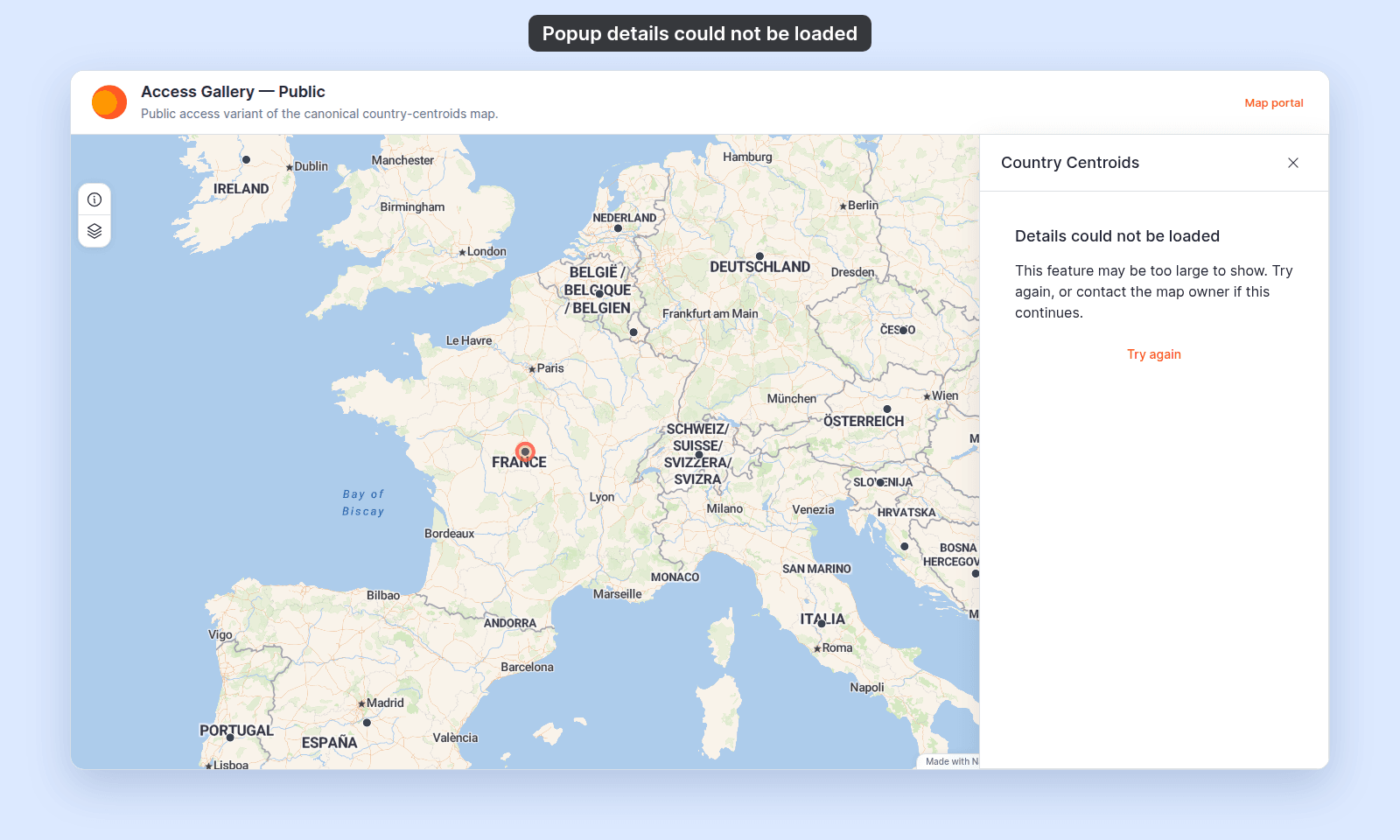
The same panel can open after a feature permalink, a Search result, or a feature bookmark.
Why it happens
- The feature’s values are too large. MangoMap sends at most 1 MB of values for one feature. Very long text in a field, such as pasted HTML or an encoded image, can pass that limit.
- The request failed. A network or server problem stopped the values from loading.
Fix: try again
- Click
Try again. The button showsLoading...while it works. - If the values load, the popup replaces the panel.
If the feature was deleted since you clicked it, a Feature not found message appears instead. If the panel stays, the problem is still there. Refresh the page and click the feature again.
If it keeps happening
If you view the map, contact the map owner. Tell them the map, the layer name in the panel title, and where you clicked.
If you own the map, the feature’s values are probably too large. Make them smaller in your source data, for example by replacing long text with a link. Then update the dataset from a file.