

How to view partner invoices
View invoices for client subscriptions on the Invoices page and pay open or past-due charges with Pay now. All client billing runs through your partner account.
View invoices for client subscriptions and pay open or past-due charges. All client billing runs through your partner account.
Steps
- Click
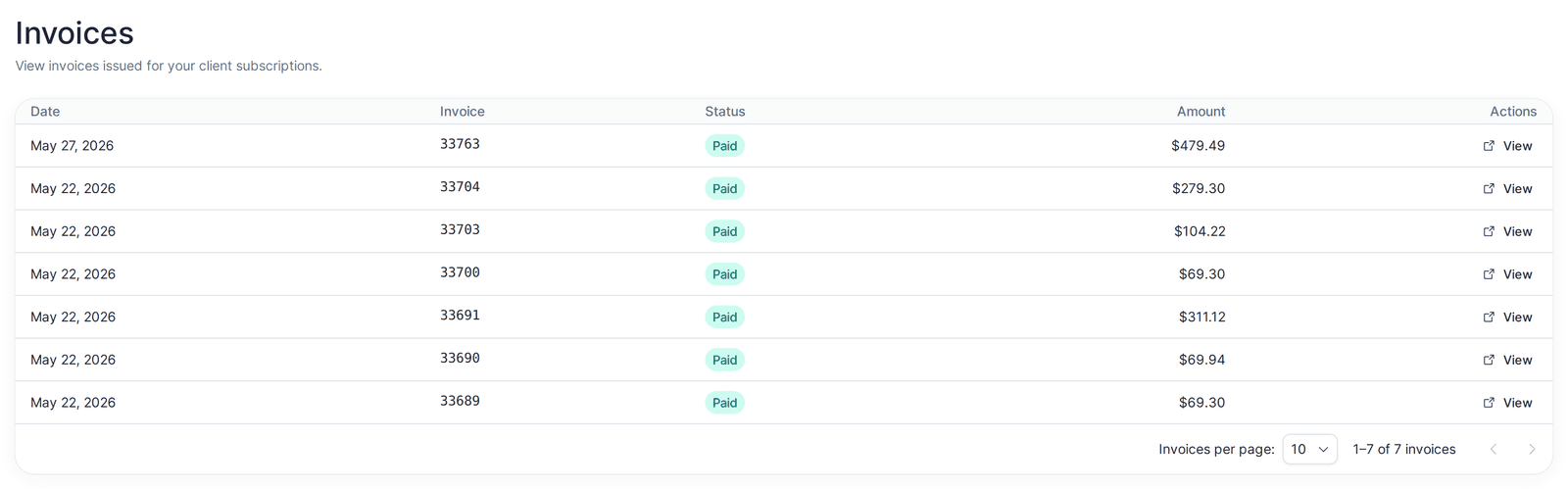
Invoicesin the top navigation. - Each row shows the invoice
Date,Invoicenumber,Status, andAmount. - To open an invoice’s full hosted page (provided by Recurly, MangoMap’s payment provider), use the row action:
Pay now- shown forPast dueandPendinginvoices; opens the page where you can pay.View- shown for all other invoices; opens the invoice to view or download.
Both actions open in a new tab. Use the pagination control to change how many Invoices per page are shown.
Invoice statuses
Paid, Past due, Failed, Voided, Closed, Processing, Pending, and Open. Past-due and pending invoices are the ones that need action - pay them with Pay now.