

How to transfer a client account to its owner
Start an ownership handoff to change a client account's owner or fix a wrong owner email. The new owner verifies their email and sets a password.
Change a client account owner by starting an ownership handoff. The new owner verifies their email and sets a password. The account stays in your partner portfolio. You keep billing and partner-level control.
Use the same handoff to correct a wrong owner email. You cannot edit the address directly.
Before you start
- Open the account’s details page (click the company name, or
Client detailsin the row menu). - There must be no handoff already in progress. If one is pending, cancel it first (see below).
- Your partner account must not be suspended.
Start a handoff
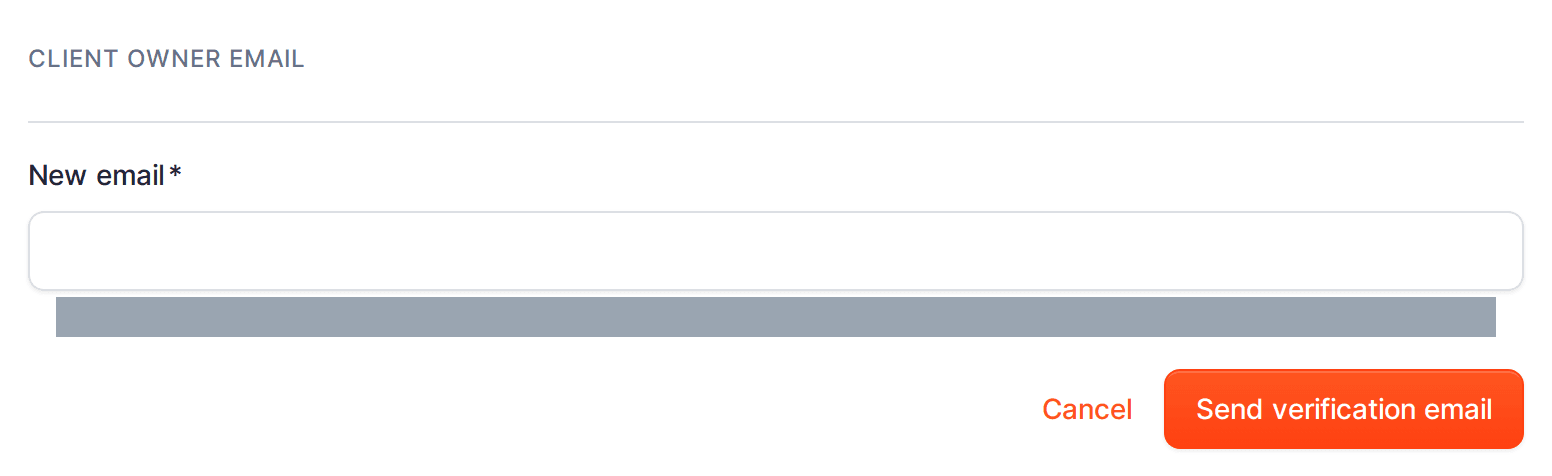
- In the
Client owner emailsection, clickChange email. - Enter the new owner’s email in
New email. - Click
Send verification email.
The account now shows an Ownership handoff in progress banner, and a Handoff pending chip appears on the account in the Client accounts list.
What your client receives
The new owner gets a verification email. When they open it, set a password, and confirm, they become the client account owner. The previous owner is stepped down from owner. Your partner access and billing relationship do not change. Until the new owner completes this, the handoff stays pending.
Cancel a pending handoff
- Open the account details page.
- In the
Ownership handoff in progressbanner, clickCancel handoff.
The pending change is dropped and the current owner email stays in place. You can start a new handoff afterwards.