

How to sign in to the partner portal
Sign in to the Partner Portal with your partner credentials to open your client portfolio, and reset a forgotten password. Regular MangoMap logins do not work.
Sign in to open your client account portfolio. The partner portal has a separate sign-in page and partner credentials.
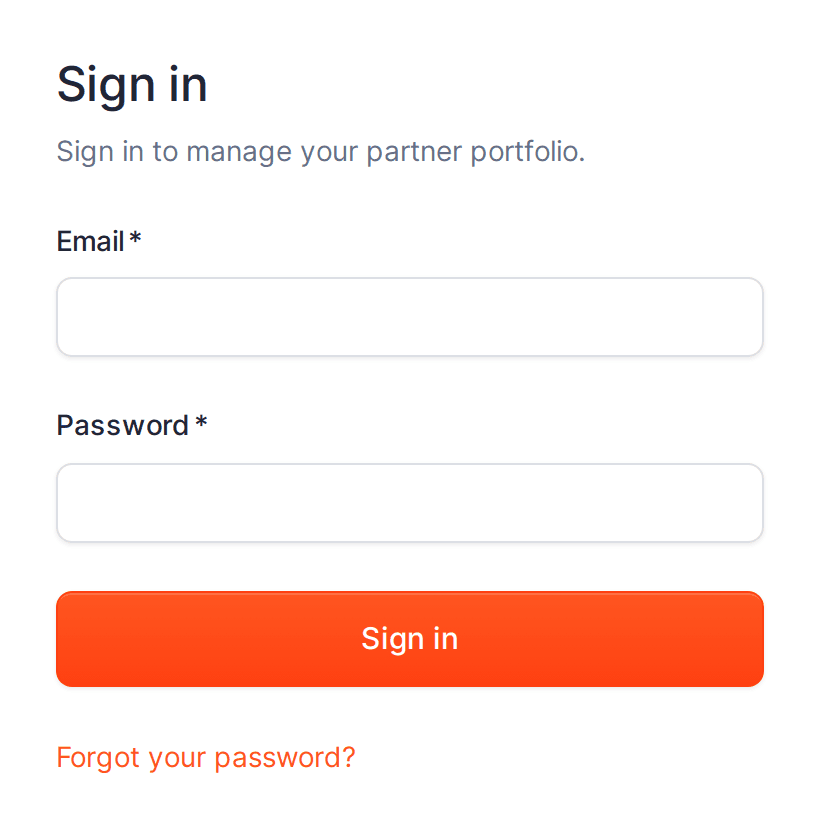
Before you start
- You need partner credentials issued by MangoMap. The portal is for partners (resellers and agencies); Regular MangoMap account logins do not work here.
Sign in
- Open the partner portal sign-in page.
- Enter your
EmailandPassword. - Click
Sign in. You land on theClient accountspage.
The first time you sign in with a temporary password, the portal shows Set your new password. Enter a new password and click Update password to continue.
Reset a forgotten password
- On the sign-in page, click
Forgot your password?. - Enter your
Emailand clickSend reset code. If an account exists for that email, a reset code is sent to it. - Click
Continue, enter theReset codefrom the email and aNew password, then clickUpdate password. - Return to
Sign inand sign in with your new password.
Sign out
Click Sign out in the top navigation.