

Private link no longer works
An old private link opens a Page not found page. Regenerating the link replaces it, so copy the current Private link and check that Link-only mode is still on.
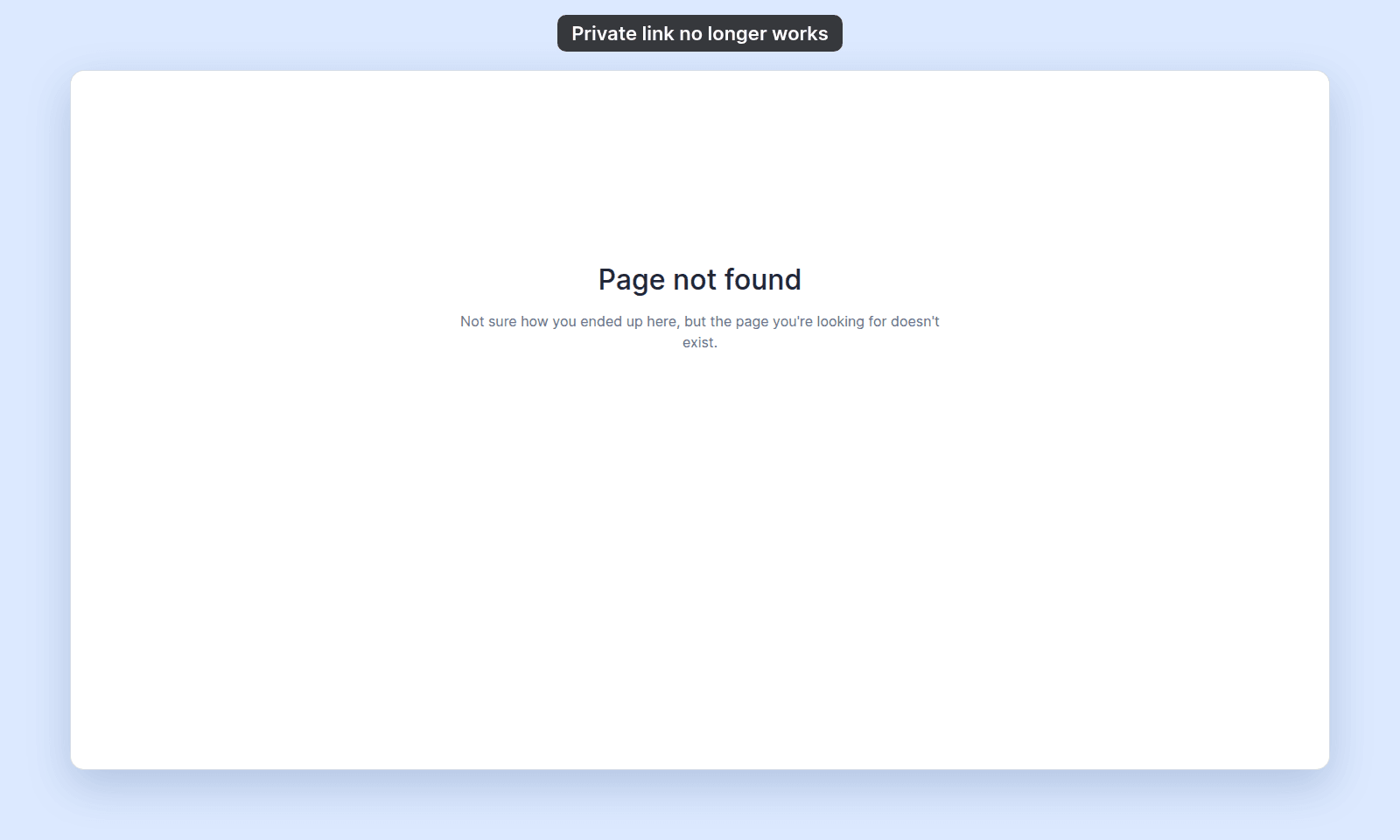
A private link stops working after someone regenerates it. The new link replaces the old one, so the old link opens a Page not found page instead of the map:
Most likely cause: the private link was regenerated
Ask a map admin for the current Private link.
If you manage the map, open the map. In the sidebar, under the map’s name, click Configuration, then click Access. In Publish to web, check that Link-only is selected, and copy the current Private link.
Less common: the map is no longer link-only
If the map was changed from Link-only to another publishing mode, the old private link is no longer the active sharing link.
Check Publishing mode:
PublicusesPublic link.PasswordusesPublic linkplusPassword.Link-onlyusesPrivate link.
Share the link for the current mode.
Less common: web access is off
When Allow public access is off, people outside the workspace cannot use a private link to view the map.
Turn on Allow public access and select Link-only if the private link should work again.
If none of the above
Ask support to check the map ID and the current publishing mode. Include the private link that stopped working and the current map URL if you have it.