

Access settings are disabled
The map opens but the sidebar has no Configuration item. Check that you have share access, which needs edit access, and that you are in the right account.
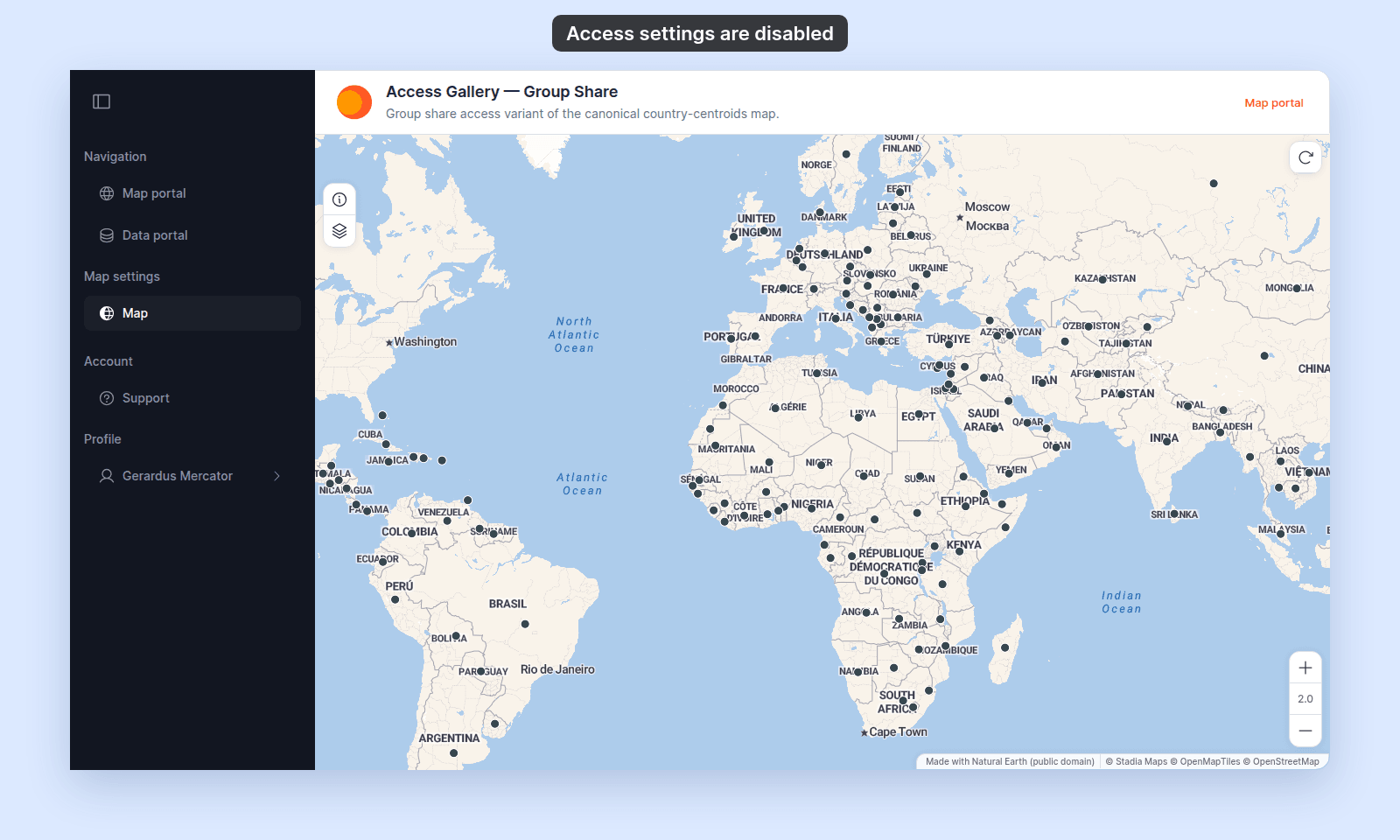
When you cannot share a map, you cannot reach its access settings. The map opens, but the sidebar shows Map with no Configuration item under it. If you open the map’s settings address directly, MangoMap sends you to the Map portal.
Here, Gerardus Mercator, an Editor in a group with Edit access, opens the map:
Most likely cause: you do not have share access
Share access requires edit access. You can share a map when you created the map, you are the account owner, or you have the Admin role and are in a group with Edit access for the map. Group Edit access is not enough for the Editor and Viewer roles.
Check your own access against these questions.
Ask an account owner or the map creator to give you edit access through a group, or ask them to make the access change for you.
Less common: you are in the wrong account or group
If you belong to more than one account or group, confirm that you are signed in to the account that owns the map.
Ask an account owner to check your group membership and the group’s Edit access for the map.
If none of the above
Ask support to check the map ID, your account role, and your group membership. Include the map URL and the email address you use to sign in.