

The Users or Groups page is blocked
Your navigation has no Team item, or the Users or Groups page sends you to the Map portal. Check whether you have the Owner role, which these pages need.
Enterprise and Agency onlyYour navigation has no Team item, or a link to the Users or a group page takes you to the Map portal instead. Only the account owner can use these team pages.
Most likely cause: you are not the account owner
The team pages need the Owner role. Admin, Editor, and Viewer users cannot open them, even if they can otherwise create maps and datasets. MangoMap sends them to the Map portal instead.
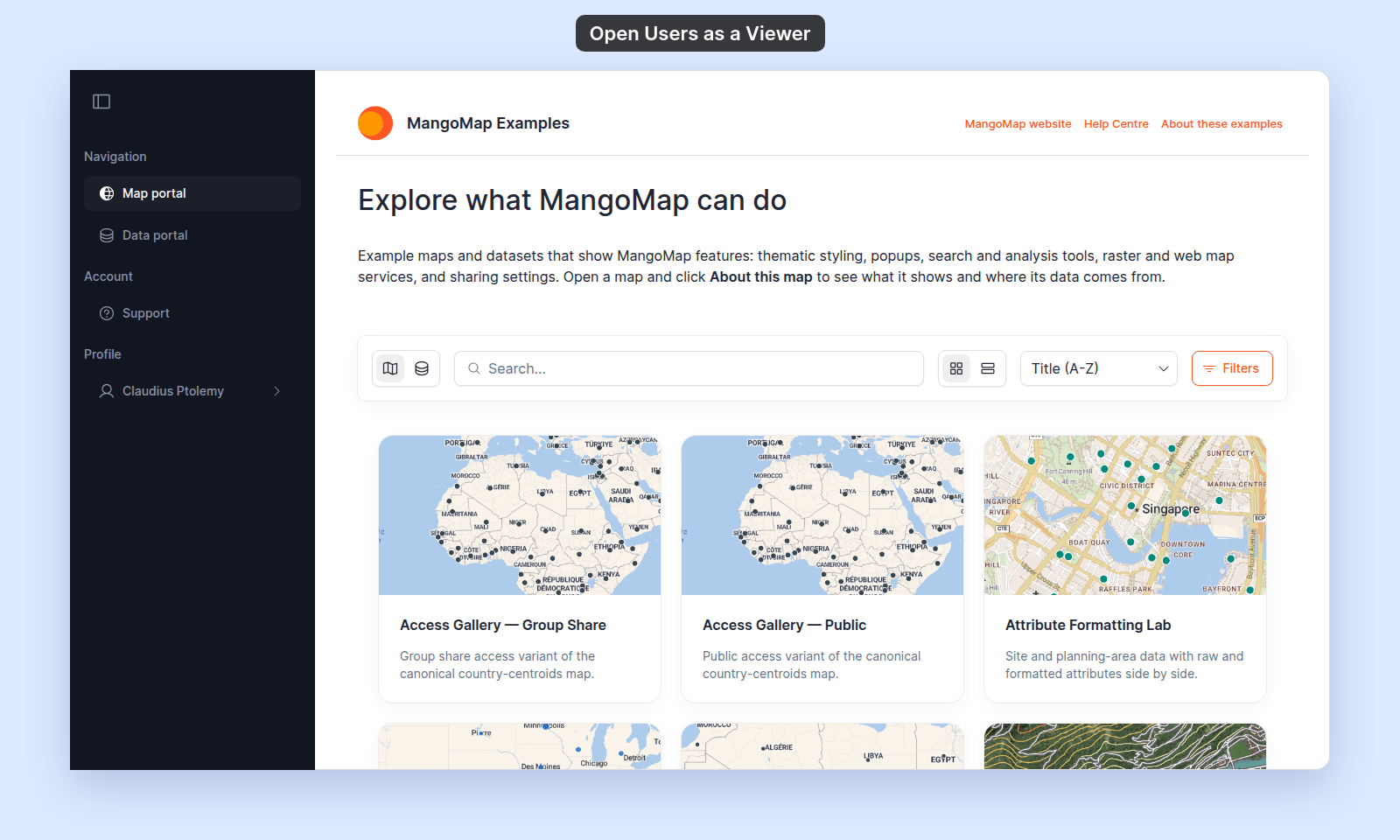
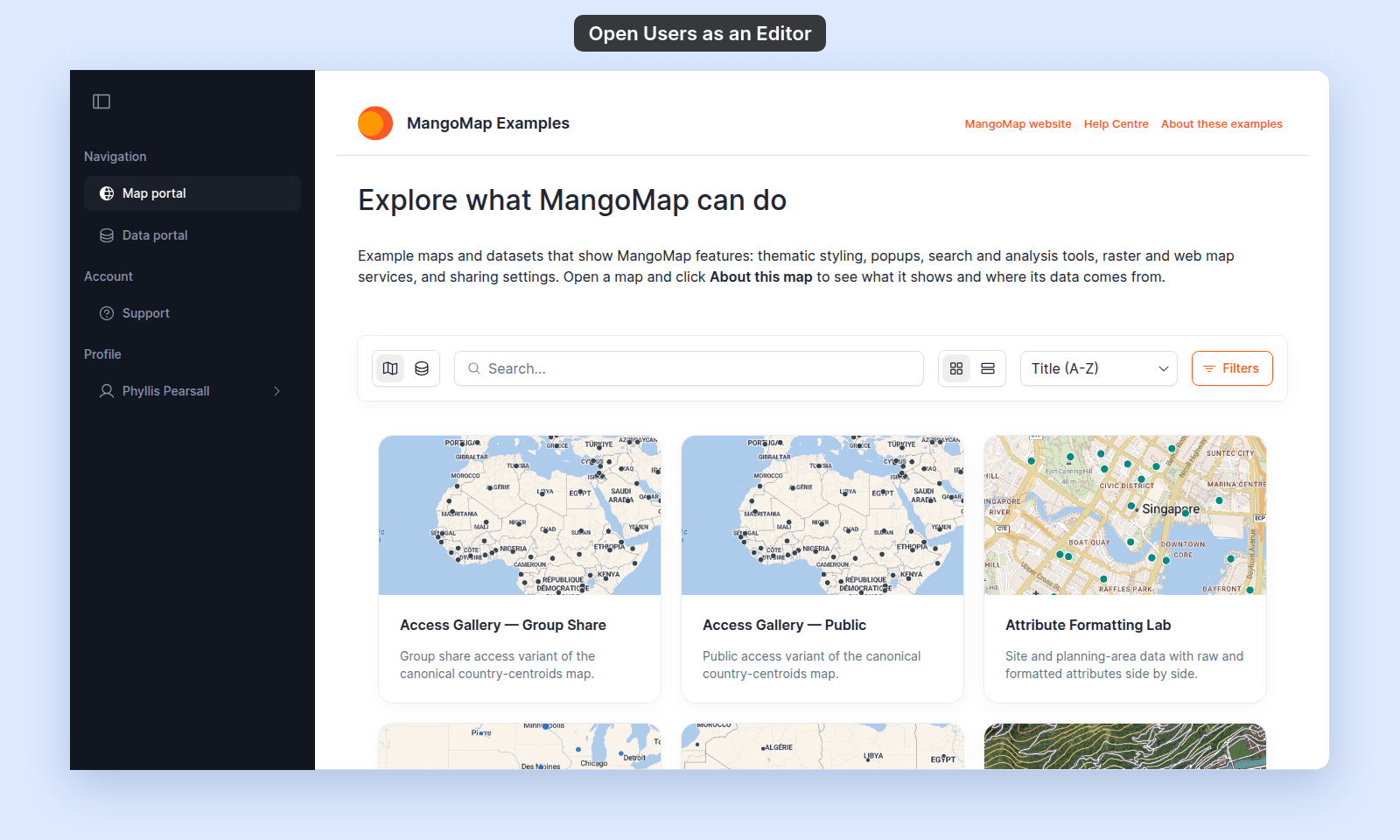
To verify, look at the navigation. The owner sees a Global settings section with Team in it. Any other role sees no Global settings section:
To fix:
- Ask the account owner to make the change for you. The owner can invite, update, remove users, and create or edit access groups on your behalf.
- If you should be the account owner, ask the current owner whether ownership transfer is an option. MangoMap has no in-product ownership transfer control.
Less common: you are signed in to the wrong account
If you belong to more than one MangoMap account, confirm that you are signed in to the account you intended.
The team UI for one account is not visible from another account, even if you are the owner of both. Switch accounts and try again.
Less common: the URL is wrong
A typo in the account name or a stale link from a different account shows as a missing or forbidden page.
Open Team from the navigation, under Global settings, rather than typing or pasting a URL.
If none of the above
Ask support to check your account ID, the account name in the URL you used, and your role. Include a screenshot of what you see.
Related
- How team management and account roles work in MangoMap
- Users page
- How to invite a user - for the account owner
- The Customisation menu is blocked - the same owner-only restriction applies to every Customisation page.