

How to remove Mango branding
Hide Mango logos, badges, and page-title branding from your maps, admin pages, and sign-in page with one toggle. Only the account owner can use it.
The Remove Mango branding toggle hides Mango logos and branding from your maps, admin pages, and sign-in page. Use it when you want the account to carry only your brand.
Before you start
- You need to be the account owner. Only the user with the
Ownerrole can open theDomain & whitelabelpage.
Open the page
In the admin sidebar, open Global settings > Customisation > Domain & whitelabel.
The page has two cards. The Whitelabel Settings card holds the toggle.
Turn the toggle on
In Whitelabel Settings, turn on Remove Mango branding.
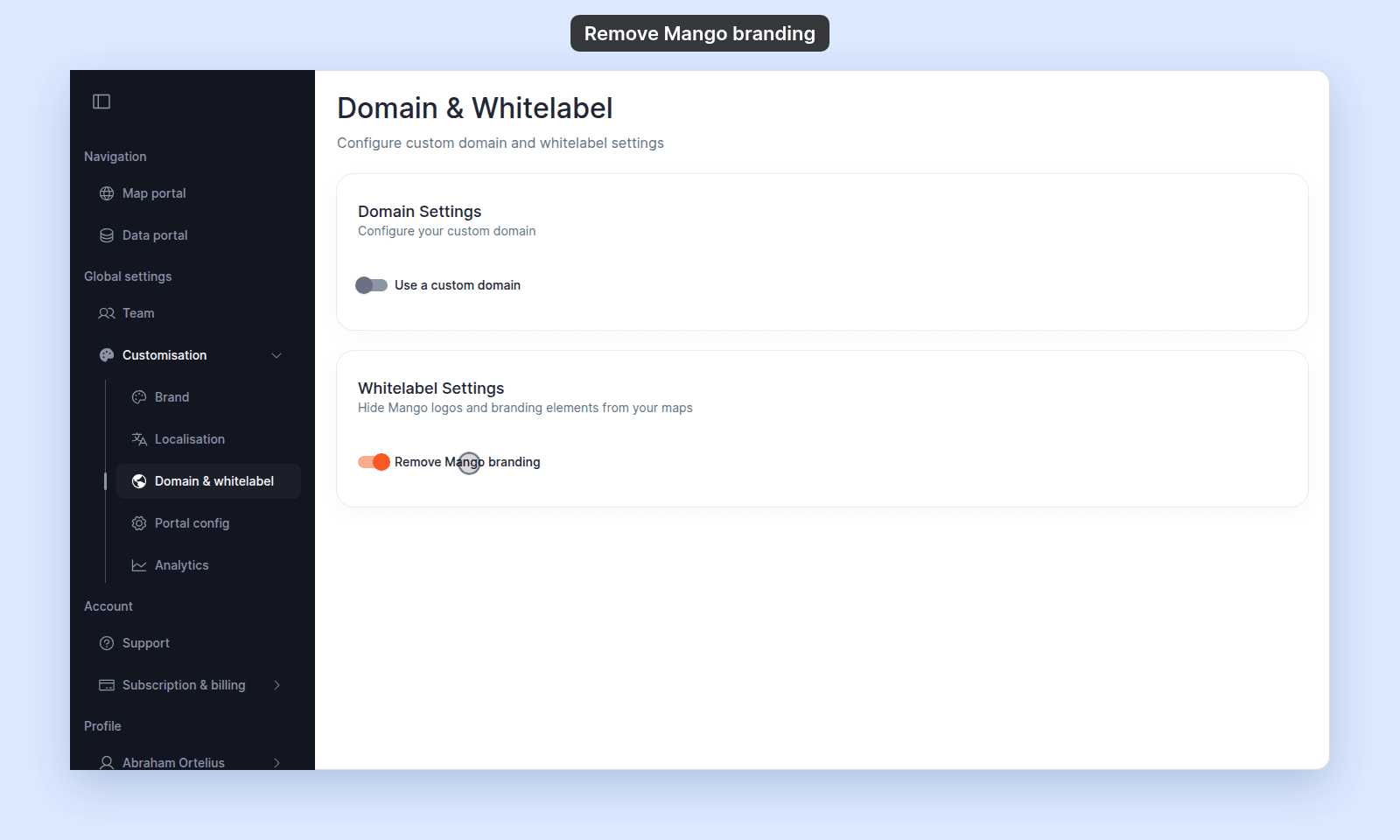
The change applies to every map in the account.
Check what changes
Remove Mango branding changes what every user and visitor of the account sees, signed in or not. Your own branding from the Brand page stays. Use this toggle with Brand to give the account a fully whitelabelled look.
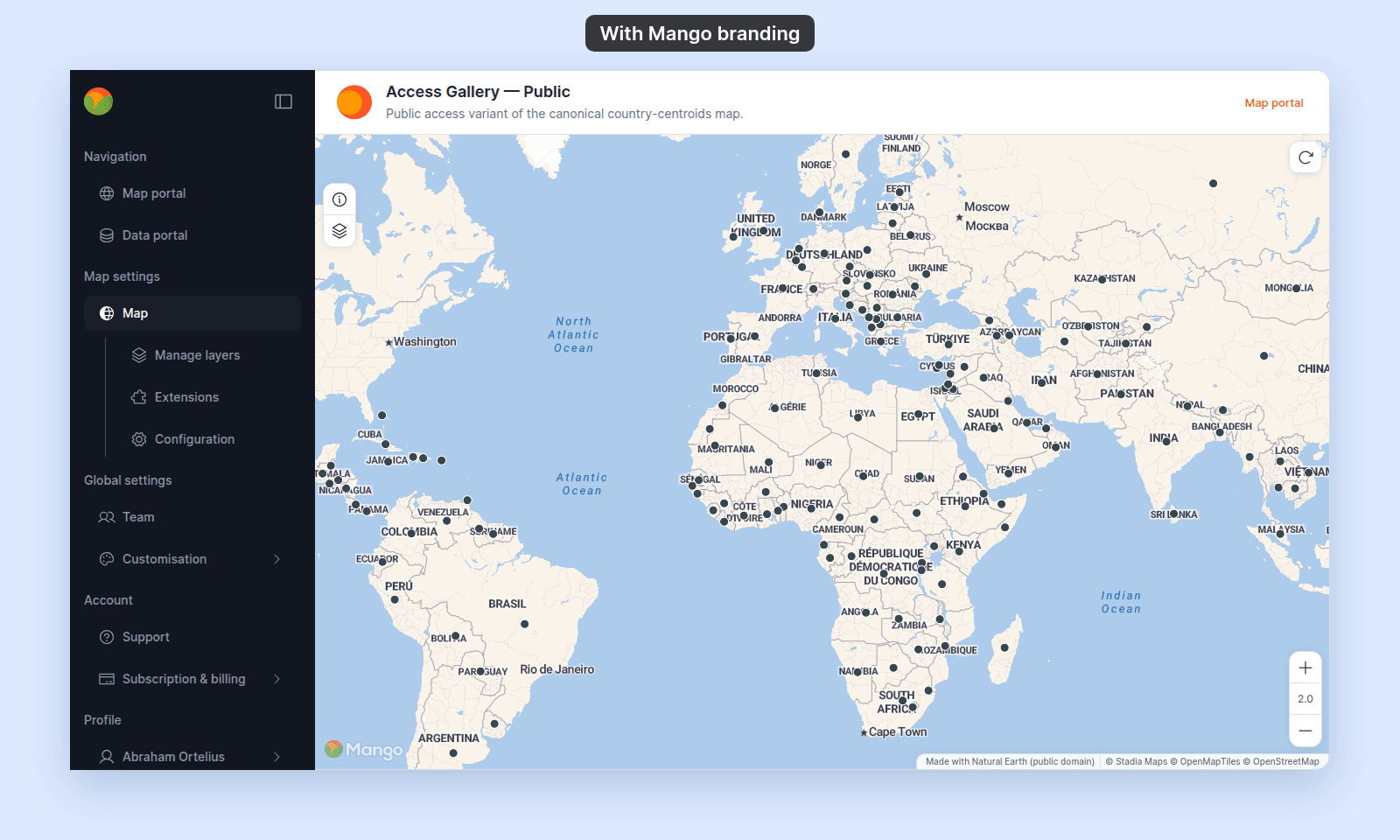
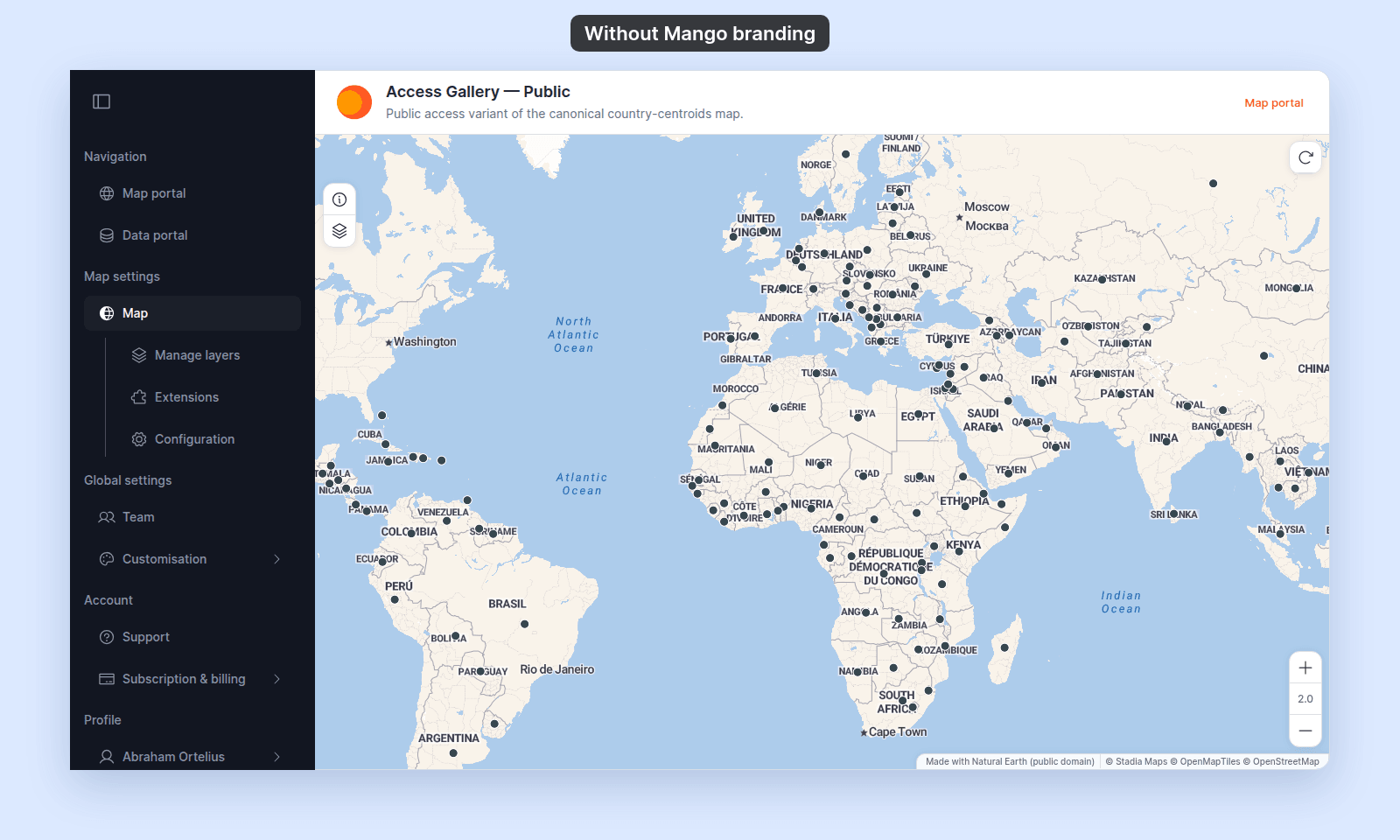
- Admin sidebar: the Mango logo at the top is hidden.
- Maps: the Mango badge at the bottom left of the map is hidden.
- Page titles: the browser tab title ends with your company name, not
Mango GIS. - Tab icon: your logo, cropped to a centred square. If the account has no logo, there is no icon.
- Sign-in page: the account’s sign-in page,
/<account-slug>/sign-in, shows your logo, or no logo if the account has none. This is the same with the toggle on or off: the sign-in page never shows the Mango logo. - Custom domain: if you connected a custom domain, visitors who open a
mangomap.comlink to the account go to your domain, and the share links MangoMap gives you use your domain.
On a map, compare the top of the admin sidebar and the bottom left of the map:
To set the logo, see How to set your brand logo and colours.
When you sign out, MangoMap returns you to the sign-in page you used. Sign in on /<account-slug>/sign-in (on your custom domain, if you have one) so that you come back to your branded page and not the MangoMap sign-in page.
Turn the toggle off
To restore Mango branding, turn Remove Mango branding off. Existing tabs may keep showing the previous state until reload.
Troubleshooting
The Domain & whitelabel page is blocked
You are not the account owner. See The Customisation menu is blocked.
The toggle saves but Mango branding still shows on a map
Reload the map.
Related
- How to connect a custom domain - the other toggle on this page.
- How to set your brand logo and colours - what to set after removing Mango branding.
- Customisation menu reference