

How to change your account URL slug
Change your account URL slug as the account owner. MangoMap does not redirect old links, so update every shared link, embed, and bookmark after you save.
Changing the account URL slug changes links to shared maps, datasets, embeds, and sign-in pages. MangoMap does not redirect old links, so update each published link after you save.
Before you start
- You must be the account owner.
- Partner-managed accounts must ask their partner to make this change.
- Prepare a list of embeds, bookmarks, and shared links that use the current slug.
- Choose a unique slug containing 3–50 letters, numbers, hyphens, or underscores. It cannot start or end with a hyphen or underscore.
Open the URL slug editor
Open User profile, then find URL Slug in the owner-only organisation settings.
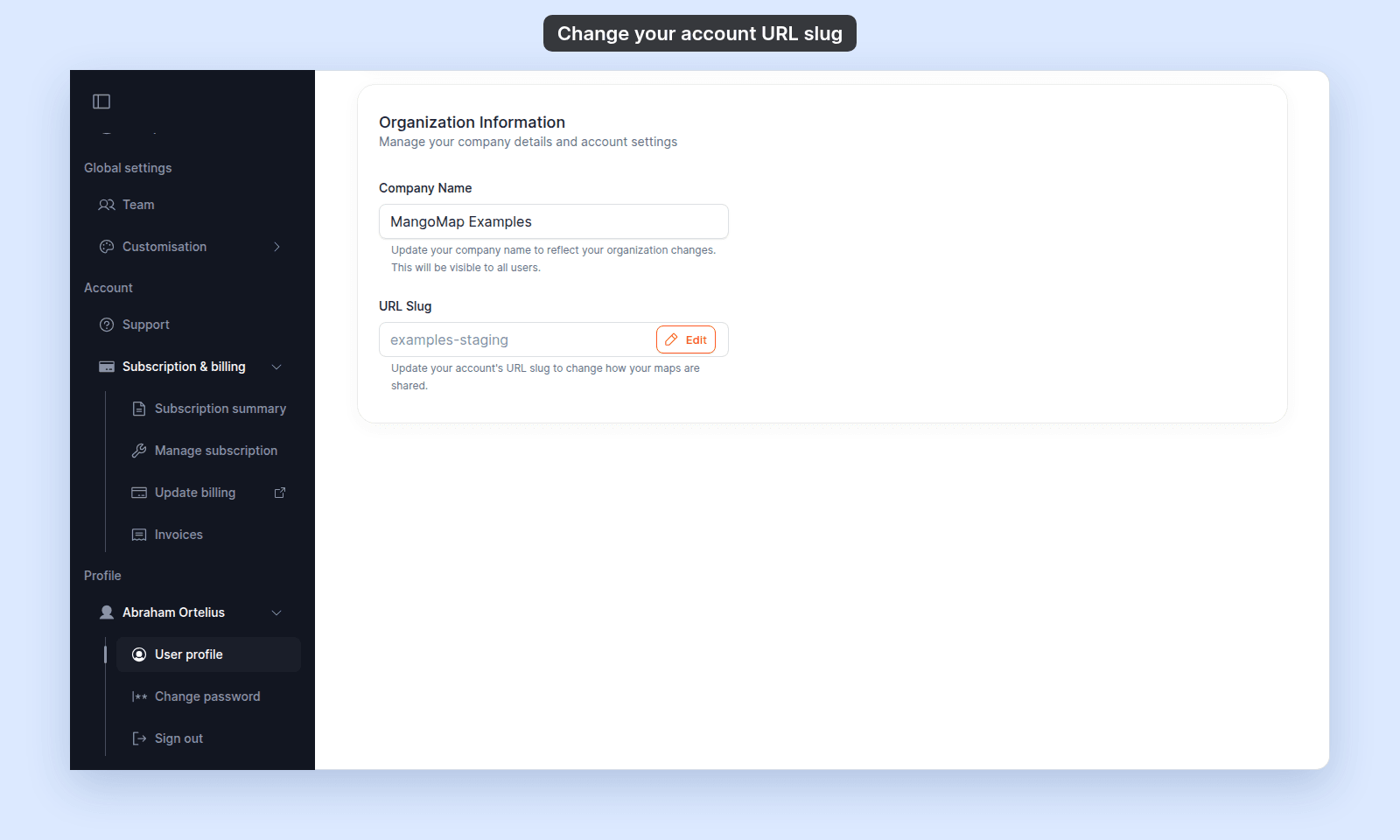
Click Edit.
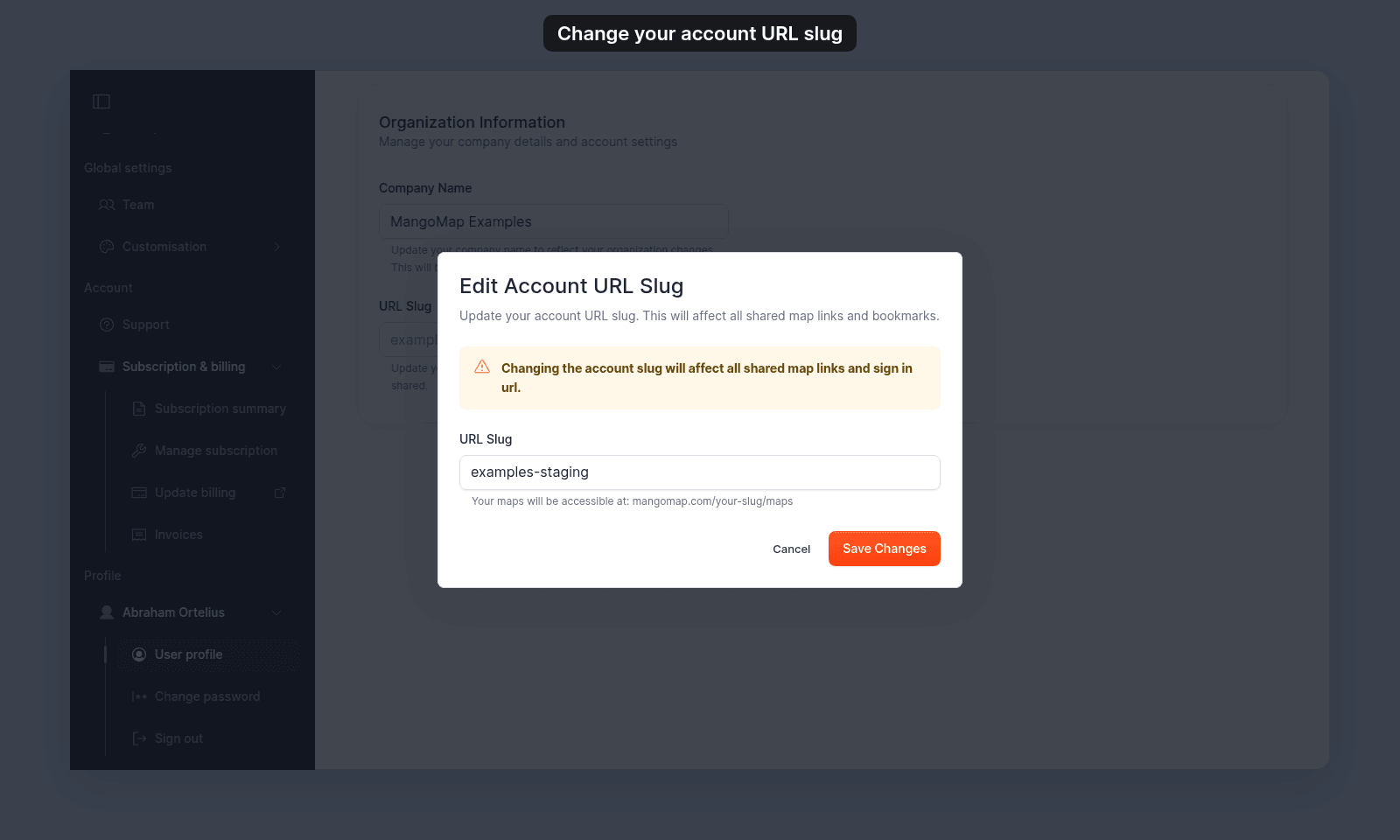
Enter a new slug
Type the new value in URL Slug. Uppercase letters are converted to lowercase and spaces are converted to hyphens while you type.
The form checks the format and availability before it enables Save Changes.
| Problem | Validation message |
|---|---|
| Empty | URL slug cannot be empty |
| Fewer than 3 characters | URL slug must be at least 3 characters long |
| More than 50 characters | URL slug must be less than 50 characters |
| Unsupported characters | URL slug can only contain letters, numbers, hyphens, and underscores |
| Hyphen or underscore at either end | URL slug cannot start or end with hyphens or underscores |
| Already assigned | This URL slug is already taken |
Save and update links
Click Save Changes. MangoMap sends this browser to the profile page under the new account URL.
Update:
- Embedded-map source URLs.
- Public and private links shared with viewers.
- Team bookmarks and documentation.
- Integrations that store MangoMap URLs.
If you later change the slug back, it must still be available.
Troubleshooting
The URL slug control is absent. You are not the account owner, or the account is partner-managed.
The availability check succeeds but saving fails. Retry the check. Another account may have taken the slug after the check.
Old links return an error. MangoMap does not redirect the former slug. Replace the old value in each link or embed.